The KODAK Slide N Scan Max is designed to make home film digitizing approachable, with direct SD card saving, a moving feed tray, and basic on-device image adjustments.
This kodak slide n scan max review looks at its format support, resolution claims, and practical fit for preserving a mixed collection of negatives and slides.
KODAK Slide N Scan Review Summary
The quick verdict
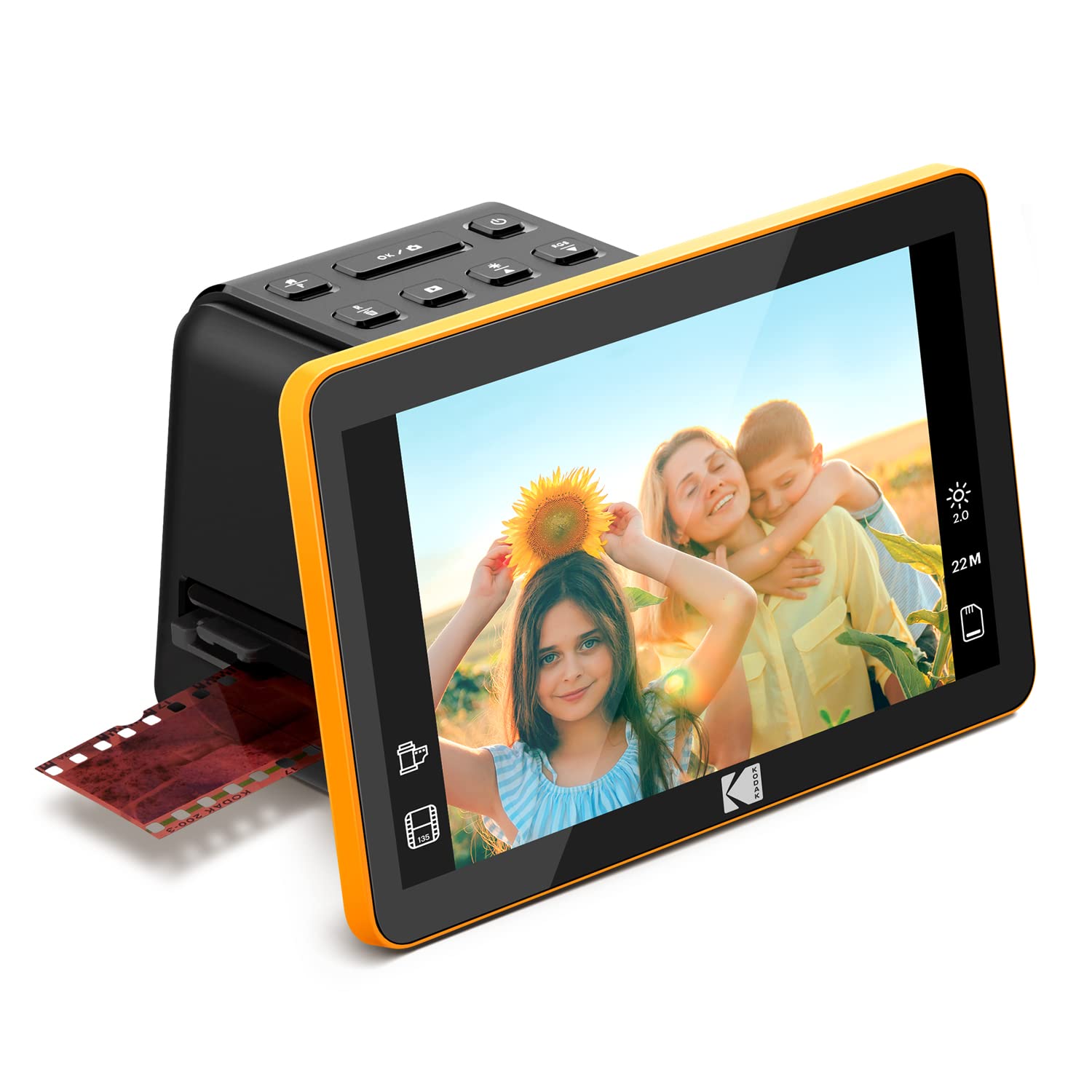
1,000+ ratings
Read Amazon ReviewsKODAK Slide N Scan Max
A compact film scanner for families digitizing 135, 110, or 126 negatives and slides directly to an SD card.
- Supports 135, 110, and 126 film, including color and black-and-white negatives and slides.
- A smooth-moving tray is designed to feed film through with less frequent repositioning.
- Saves scans directly to SD or SDHC cards with capacities up to 32GB.
- Uses a 13MP CMOS sensor with 22MP interpolation and output up to 4208 × 3120.

Pros
- Covers three common film formats across slides and color or black-and-white negatives.
- Direct card saving makes a computer optional for the basic scanning and storage workflow.
Consider before buying
- The listed card support tops out at 32GB, so large archives may require frequent card transfers or a separate backup routine.
- The stated minimum system requirement is Windows 7; if you plan to connect a newer Windows computer or a Mac, confirm the software and connection workflow first.
Read the full review summary
This scanner combines a straightforward workflow with support for 135, 110, and 126 film, including color and black-and-white negatives as well as slides.
Its tray is designed to move film through without constant repositioning, and scans can be saved to an SD or SDHC card up to 32GB without making a computer part of every session.
The 13MP CMOS sensor is paired with 22MP interpolation, with output described as up to 4208 × 3120.
That gives family archivists a useful set of features for creating digital copies and making simple adjustments, while buyers should treat the interpolated output as a file-size and processing option rather than proof of extra captured detail.
The buying factors
KODAK Slide N Scan Scorecard
Editorial scores reflect listed features and buyer fit; they are not laboratory measurements or customer ratings.
Format flexibility
Supports 135, 110, and 126 film in both slide and negative forms, including color and black-and-white.
Workflow simplicity
A moving tray and one-touch editing aim to reduce repeated handling and menu work.
Standalone saving
Direct SD or SDHC saving up to 32GB can keep routine scanning independent of a computer.
Resolution options
The 13MP CMOS sensor and up to 22MP interpolated output provide a choice of capture size, though interpolation does not add optical detail.
Editing convenience
The capture software supports resizing, conversion, and image adjustments through a simplified interface.
Setup flexibility
USB connectivity is listed, and the minimum system requirement names Windows 7; buyers with other systems should check compatibility before planning a computer-based workflow.
Key Features and Specifications of KODAK Slide N Scan
- Supports 135, 110, and 126 film, including color and black-and-white negatives and slides.
- A smooth-moving tray is designed to feed film through with less frequent repositioning.
- Saves scans directly to SD or SDHC cards with capacities up to 32GB.
- Uses a 13MP CMOS sensor with 22MP interpolation and output up to 4208 × 3120.
- Capture software offers one-touch resizing, conversion, and image adjustments.
- Compact housing measures 6.69 × 5.35 × 4.45 inches and weighs 16 ounces.
Pros and Cons of KODAK Slide N Scan
Pros
- Covers three common film formats across slides and color or black-and-white negatives.
- Direct card saving makes a computer optional for the basic scanning and storage workflow.
- The moving tray is intended to make batch work less fiddly than handling each frame individually.
- Simple image adjustments and conversion are built into the capture process.
Consider before buying
- The listed card support tops out at 32GB, so large archives may require frequent card transfers or a separate backup routine.
- The stated minimum system requirement is Windows 7; if you plan to connect a newer Windows computer or a Mac, confirm the software and connection workflow first.
- The 22MP figure uses interpolation, so buyers prioritizing maximum captured detail should compare the sensor-based output and their own scanning needs carefully.
Who Should Buy KODAK Slide N Scan?
Good fit
Consider the Slide N Scan Max if you have a collection that mixes 135, 110, and 126 slides or negatives and want a dedicated device for making digital copies at home.
Support for color and black-and-white material broadens its usefulness, while saving directly to a memory card avoids tying each scan to a computer.
Its design is especially relevant when convenience matters more than a highly configurable scanning workflow.
A feed tray intended for continuous movement, along with one-touch resizing and conversion, can help keep a family archiving project moving without requiring a complex sequence for each image.
Before buying, decide how you will store and back up the scans: the supported SD or SDHC capacity is up to 32GB.
Also check the compatibility requirements if you expect to use the USB connection with a particular computer, since the listed minimum system information names Windows 7.
Who should skip it
Look elsewhere if your film collection is dominated by formats outside 135, 110, and 126, or if you need a workflow built around larger card capacities. Check that your film types and storage routine match before committing.
This may be a poor fit for buyers whose main goal is the greatest possible captured detail from irreplaceable originals.
The headline output includes interpolation, so compare the scanner's sensor-based capture with the level of detail you need for enlargements or careful restoration.
How the KODAK Slide N Scan Fits a Home Archive
Film format coverage
The scanner covers 135, 110, and 126 material, with both slides and color or black-and-white negatives included.
That combination makes it practical for households with varied older film, though it is still important to identify the formats in your own boxes before choosing a device.
What the resolution figures mean
A 13MP CMOS sensor provides the capture basis, while 22MP interpolation and output up to 4208 × 3120 describe a larger processed file option.
Interpolation can increase pixel dimensions, but it should not be treated as equivalent to capturing more optical detail; consider how you plan to view, share, or print the scans.
A card-first digitizing routine
Saving to SD or SDHC cards up to 32GB is useful for a standalone routine: scan a batch, transfer it to a computer or other storage, and keep a second copy.
The limit makes a planned transfer and backup habit sensible for a large collection, especially if scans are retained at their largest output size.
Balancing ease and control
The moving tray and one-touch resizing, conversion, and adjustments favor a simple process.
That can suit casual preservation work, while buyers who want extensive manual control should check whether the available adjustment options are enough for their preferred correction workflow.
Alternatives to KODAK Slide N Scan
Slide & Negative Scanners alternative
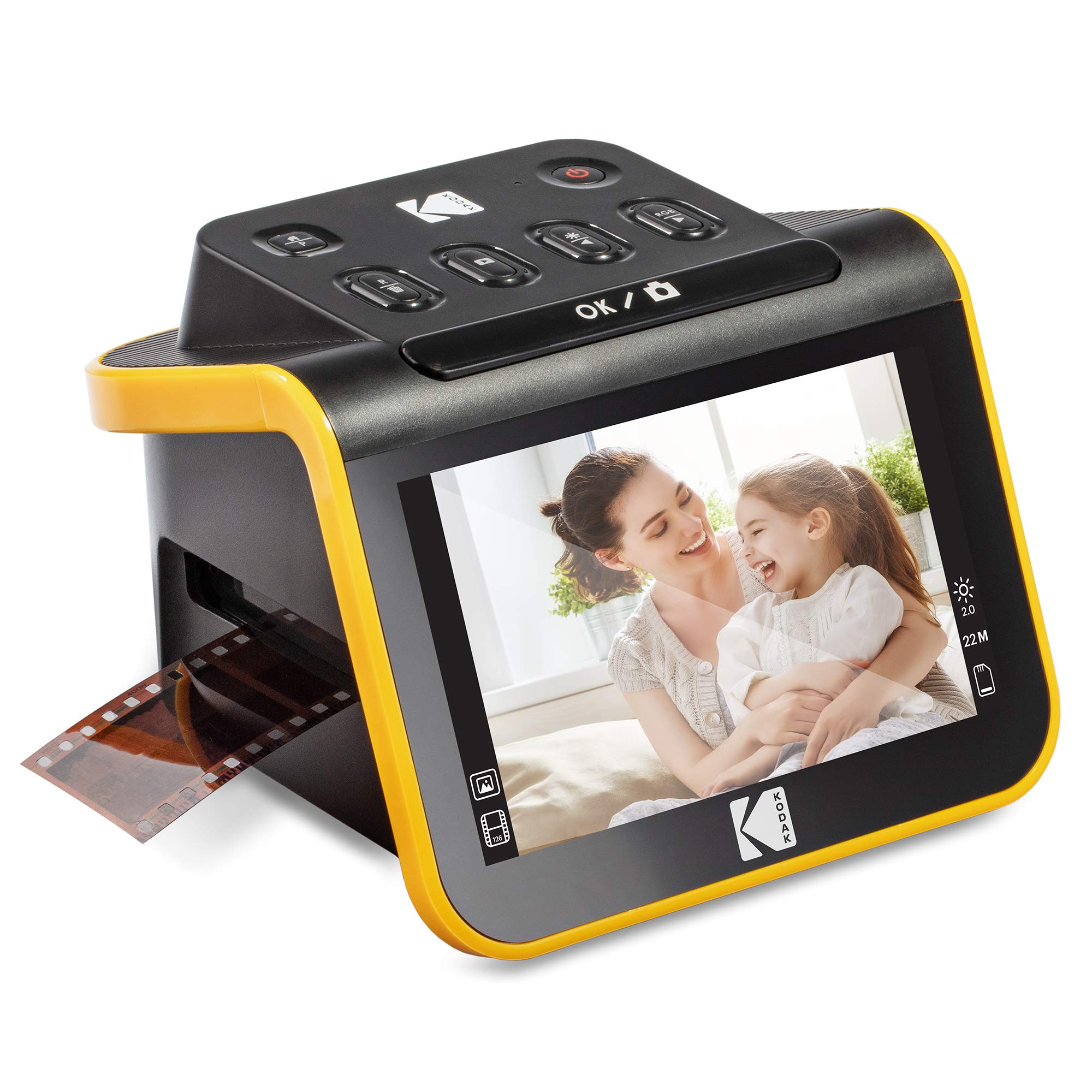
12,000+ ratings
Read Amazon ReviewsKODAK Slide N Scan Film & Slide Scanner
Choose the Max if its stated sensor and tray workflow suit your priorities. Consider this alternative if a built-in 5-inch viewing screen and the included handling accessories matter more in your scanning setup.
- This KODAK model also supports 135, 110, and 126 film and direct saving to SD or SDHC cards up to 32GB.
- It adds a 5-inch LCD for previewing, editing, and gallery viewing, and includes a 50mm slide holder, film adapters, cleaning brush, USB cable, and HDMI cable.
- The Slide N Scan Max supports 135, 110, and 126 film, saves directly to SD or SDHC cards up to 32GB, and uses a 13MP sensor with 22MP interpolation.
Slide & Negative Scanners alternative
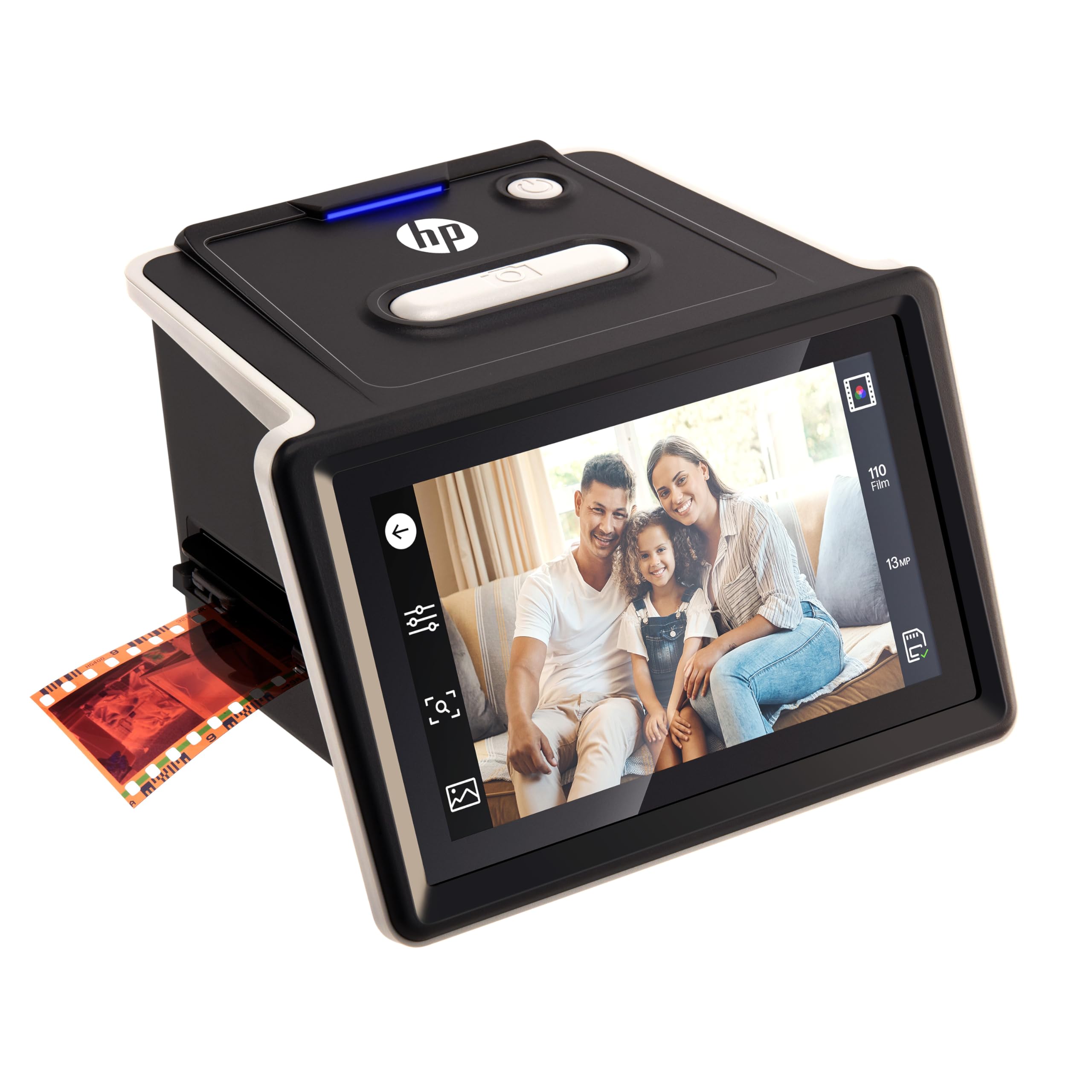
100+ ratings
Read Amazon ReviewsHP Film & Slide Scanner HPFS500
The HP model may suit buyers who prefer touchscreen preview and want the listed newer Windows and macOS requirements.
The KODAK Max remains a fit for those who value its moving-tray workflow and are comfortable checking their own computer setup.
- The HPFS500 supports the same 135, 126, and 110 formats and has a 5-inch touchscreen for preview and editing.
- Its description lists a 13MP CMOS sensor with 22MP interpolation, USB-C power, and direct SD-card saving; its minimum system requirements list Windows 10 or later and macOS 10.15 or later.
- The KODAK Max supports 135, 110, and 126 formats, with up to 22MP interpolated output and SD or SDHC saving up to 32GB.
Is KODAK Slide N Scan Worth It?
The KODAK Slide N Scan Max is worth considering for a home archive built around 135, 110, and 126 film.
Direct card saving, a tray designed for continuous feeding, and simple adjustment tools make it a convenience-focused way to turn a varied set of slides and negatives into digital files.
Buy it if that format coverage and a card-first workflow match your needs, and if up to 32GB of card capacity fits your transfer routine.
Check computer compatibility in advance if you plan to use USB, and keep the interpolated resolution in perspective if fine detail is your main priority.
Your review at a glance
1,000+ ratings
Read Amazon ReviewsKODAK Slide N Scan Max
A compact film scanner for families digitizing 135, 110, or 126 negatives and slides directly to an SD card.
- Supports 135, 110, and 126 film, including color and black-and-white negatives and slides.
- A smooth-moving tray is designed to feed film through with less frequent repositioning.
- Saves scans directly to SD or SDHC cards with capacities up to 32GB.
- Uses a 13MP CMOS sensor with 22MP interpolation and output up to 4208 × 3120.